
RBSE Class 12th 2017 (Supp.)-SS-01-2017 Previous Year Papers
You opened the RBSE Class 12th 2017 (Supp.)-SS-01-2017 Previous Year Papers page — a focused place to read the real previous year question paper for that subject and year. RBSE Solution keeps exam-year sets together so you can practise the same cycle your seniors faced.
Previous year papers reward patience: read instructions, note mark distribution, then attempt questions before peeking at solutions elsewhere on the site. This URL always loads the same free previous year papers content for (Supp.)-SS-01-2017 (2017).
Use the details table to confirm class and year, then scroll to the paper images or PDF below. More subjects from 2017 are linked later on this page.
Paper details
Quick reference for this previous year papers page — confirm board, class, and year & subject before you study.
| Board | RBSE |
|---|---|
| Class | Class 12th |
| Exam year | 2017 |
| Subject | (Supp.)-SS-01-2017 |
| Resource type | Previous Year Papers |
| Category | RBSE Previous Year Question Papers |
| Website | RBSE Solution |
The table summarises this Previous Year Papers resource. Confirm RBSE, Class 12th, year 2017, and subject (Supp.)-SS-01-2017 before studying.
RBSE Solution organises previous year papers so each URL carries chapter-specific guidance — better for students and for search engines than one generic paragraph for the whole class.
Turning 2017 papers into insight
One (Supp.)-SS-01-2017 paper reveals style; several from the same year reveal pattern. After this page, open sibling subjects listed below to see whether marks cluster in certain units.
Keep rough work dated in your notebook. Examiners in Class 12th expect clear numbering even in practice sessions.
RBSE Class 12th 2017 (Supp.)-SS-01-2017
Scroll through the Previous Year Papers pages for (Supp.)-SS-01-2017 (2017).





Rajasthan Board Class 12th (Supp.)-SS-01-2017 2017 solved Previous Year Question Papers
उच्च माध्यमिक पूरक परीक्षा, 2017
SENIOR SECONDARY SUPPLEMENTARY EXAMINATION, 2017
मल्टीमीडिया और वेब टेक्नोलॉजी (ऐच्छिक)
MULTIMEDIA AND WEB TECHNOLOGY (Optional)
समय : 3¼ घण्टे | पूर्णांक : 56
No. of Questions : 30 | No. of Printed Pages : 07
प्रश्न पत्र कोड : SS—05—Multi. Web. Tech.(Opt.)(Supp.)
परीक्षार्थियों के लिए सामान्य निर्देश :
GENERAL INSTRUCTIONS TO THE EXAMINEES :
- परीक्षार्थी सर्वप्रथम अपने प्रश्न पत्र पर नामांक अनिवार्यत: लिखें।
Candidate must write first his/her Roll No. on the question paper compulsorily. - सभी प्रश्न करने अनिवार्य हैं।
All the questions are compulsory. - प्रत्येक प्रश्न का उत्तर दी गई उत्तर-पुस्तिका में ही लिखें।
Write the answer to each question in the given answer-book only. - प्रश्न पत्र के हिन्दी व अंग्रेजी रूपान्तर में किसी प्रकार की त्रुटि / अन्तर / विरोधाभास होने पर हिन्दी भाषा के प्रश्न को सही मानें।
If there is any error / difference / contradiction in Hindi & English versions of the question paper, the question of Hindi version should be treated valid.
SS—05—Multi. Web. Tech. (Opt.)
[ Turn Over ]
2. MS-Access में फाइल का Extension क्या होता है?
What is extension of file in MS-Access?
उत्तर: MS-Access में फाइल का एक्सटेंशन .accdb (Access Database) होता है। पुराने संस्करणों में .mdb एक्सटेंशन का उपयोग होता था।
Answer: The extension of a file in MS-Access is .accdb (Access Database). Older versions used .mdb extension.
3. MS-Access में Hyperlink डाटा टाईप का क्या कार्य है?
What is the work of Hyperlink datatype in MS-Access?
उत्तर: MS-Access में Hyperlink डाटा टाईप का उपयोग किसी वेब पते (URL), ईमेल पते, या किसी फाइल के पथ को स्टोर करने के लिए किया जाता है। जब उपयोगकर्ता इस फील्ड पर क्लिक करता है, तो संबंधित लिंक स्वचालित रूप से खुल जाता है।
Answer: The Hyperlink datatype in MS-Access is used to store web addresses (URLs), email addresses, or file paths. When a user clicks on this field, the associated link opens automatically.
4. कम्प्युटर कम्यूनिकेशन में प्रोटोकॉल को परिभाषित कीजिए।
Define protocol in computer communication.
उत्तर: प्रोटोकॉल नियमों और मानकों का एक समूह है जो कंप्यूटर नेटवर्क में डेटा संचार को नियंत्रित करता है। यह तय करता है कि डेटा को कैसे प्रारूपित, प्रेषित, प्राप्त और त्रुटियों की जाँच की जाए। उदाहरण: TCP/IP, HTTP, FTP.
Answer: A protocol is a set of rules and standards that govern data communication in a computer network. It determines how data is formatted, transmitted, received, and checked for errors. Examples: TCP/IP, HTTP, FTP.
5. ओपन सोर्स सॉफ्टवेयर के क्या लाभ है?
What are the benefits of open source software?
उत्तर: ओपन सोर्स सॉफ्टवेयर के निम्नलिखित लाभ हैं:
- मुफ्त उपयोग और वितरण
- स्रोत कोड उपलब्ध होने से अनुकूलन संभव
- समुदाय द्वारा निरंतर सुधार और सुरक्षा
- लाइसेंस शुल्क नहीं होता
- पारदर्शिता और विश्वसनीयता
Answer: Benefits of open source software include:
- Free to use and distribute
- Customizable due to available source code
- Continuous improvement and security by community
- No license fees
- Transparency and reliability
6. लिनक्स में नई डाइरेक्टरी बनाने के लिए किस कमाण्ड का उपयोग किया जाता है?
Which command is to be used to create new directory in linux?
उत्तर: लिनक्स में नई डाइरेक्टरी बनाने के लिए mkdir कमांड का उपयोग किया जाता है। उदाहरण: mkdir newfolder
Answer: The mkdir command is used to create a new directory in Linux. Example: mkdir newfolder
7. ASC() फंक्शन का क्या उपयोग है?
What is use of ASC() function?
उत्तर: ASC() फंक्शन किसी कैरेक्टर का ASCII कोड (पूर्णांक मान) लौटाता है। उदाहरण: ASC('A') का मान 65 होता है। इसका उपयोग कैरेक्टर को संख्यात्मक मान में बदलने के लिए किया जाता है।
Answer: The ASC() function returns the ASCII code (integer value) of a character. Example: ASC('A') returns 65. It is used to convert a character to its numeric value.
8. ओ डी बी सी का पूरा नाम क्या है?
What is full name of ODBC?
उत्तर: ODBC का पूरा नाम Open Database Connectivity (ओपन डेटाबेस कनेक्टिविटी) है। यह एक मानक API है जो विभिन्न डेटाबेस सिस्टमों तक पहुँचने की अनुमति देता है।
Answer: The full name of ODBC is Open Database Connectivity. It is a standard API that allows access to different database systems.
प्रश्न 8: ए.एस.पी. को डाटाबेस के साथ जोड़ने के लिए कौन-कौन सी तकनीकों का उपयोग कर सकते हैं?
Which techniques can be used to connect ASP with database?
उत्तर: ASP को डाटाबेस से जोड़ने के लिए निम्नलिखित तकनीकों का उपयोग किया जा सकता है:
- ADO (ActiveX Data Objects) – यह सबसे सामान्य तकनीक है जो डाटाबेस कनेक्शन, कमांड और रिकॉर्डसेट ऑब्जेक्ट प्रदान करती है।
- ODBC (Open Database Connectivity) – यह एक मानक API है जो विभिन्न डाटाबेस सिस्टम्स से कनेक्ट करने की अनुमति देता है।
- OLEDB (Object Linking and Embedding Database) – यह एक निम्न-स्तरीय इंटरफ़ेस है जो विभिन्न डेटा स्रोतों तक पहुँच प्रदान करता है।
- RDS (Remote Data Service) – यह क्लाइंट-साइड डेटा एक्सेस के लिए उपयोग होता है।
प्रश्न 9: पेज काउन्टर कम्पोनेंट का क्या उपयोग है?
What is use of page counter component?
उत्तर: पेज काउन्टर कम्पोनेंट का उपयोग किसी वेब पेज पर विज़िटर्स की संख्या गिनने के लिए किया जाता है। यह एक सर्वर-साइड कम्पोनेंट है जो प्रत्येक पेज लोड होने पर काउन्टर को बढ़ाता है और विज़िटर्स को पेज की लोकप्रियता दर्शाता है।
प्रश्न 10: मल्टीमीडिया को परिभाषित कीजिए।
Define Multimedia.
उत्तर: मल्टीमीडिया एक ऐसी तकनीक है जो टेक्स्ट, ऑडियो, वीडियो, ग्राफिक्स, एनिमेशन और इंटरैक्टिव सामग्री को एक साथ प्रस्तुत करती है। यह उपयोगकर्ताओं को विभिन्न मीडिया प्रारूपों के माध्यम से जानकारी प्राप्त करने और साझा करने की सुविधा प्रदान करती है।
प्रश्न 11: ए वी आई और एम पी ई जी का पूरा नाम क्या है?
What is full name of AVI and MPEG?
उत्तर:
- AVI: Audio Video Interleave (ऑडियो वीडियो इंटरलीव)
- MPEG: Moving Picture Experts Group (मूविंग पिक्चर एक्सपर्ट्स ग्रुप)
प्रश्न 12: वेब होस्टिंग से आप क्या समझते हैं?
What do you understand by web hosting?
उत्तर: वेब होस्टिंग एक सेवा है जो वेबसाइटों को इंटरनेट पर उपलब्ध कराने के लिए सर्वर स्पेस प्रदान करती है। इसमें वेबसाइट की फाइलों, डाटाबेस और अन्य संसाधनों को एक सर्वर पर संग्रहीत किया जाता है ताकि उपयोगकर्ता इंटरनेट के माध्यम से उन तक पहुँच सकें। वेब होस्टिंग के प्रकारों में शेयर्ड होस्टिंग, डेडिकेटेड होस्टिंग, VPS होस्टिंग और क्लाउड होस्टिंग शामिल हैं।
प्रश्न 13: फ्रेम रेट क्या है?
What is frame rate?
उत्तर: फ्रेम रेट वह दर है जिस पर एक वीडियो में प्रति सेकंड फ्रेम (चित्र) प्रदर्शित होते हैं। इसे fps (frames per second) में मापा जाता है। उच्च फ्रेम रेट वीडियो को अधिक स्मूथ और यथार्थवादी बनाता है, जबकि निम्न फ्रेम रेट पर वीडियो रुक-रुक कर दिखाई दे सकता है।
प्रश्न 14: रेफरेन्शियल इंटीग्रिटी का क्या अर्थ है?
What is significance of referential integrity?
उत्तर: रेफरेन्शियल इंटीग्रिटी एक डाटाबेस अवधारणा है जो सुनिश्चित करती है कि दो तालिकाओं के बीच संबंध सही ढंग से बना रहे। इसका अर्थ है कि एक तालिका में विदेशी कुंजी (foreign key) का मान हमेशा दूसरी तालिका की प्राथमिक कुंजी (primary key) में मौजूद होना चाहिए या NULL हो सकता है। यह डेटा की स्थिरता और अखंडता बनाए रखने में मदद करता है, जिससे अनाथ रिकॉर्ड (orphan records) नहीं बनते।
5) प्रोप्राइटरी सॉफ्टवेयर से आप क्या समझते है? किन्हीं दो प्रोप्राइटरी सॉफ्टवेयर के नाम लिखिए। [2]
What do you mean by proprietary software? Write any two names of proprietary software.
प्रोप्राइटरी सॉफ्टवेयर वह सॉफ्टवेयर है जिसका स्वामित्व किसी व्यक्ति या कंपनी के पास होता है और इसका स्रोत कोड सार्वजनिक रूप से उपलब्ध नहीं होता। इसके उपयोग, संशोधन और वितरण पर लाइसेंस के तहत प्रतिबंध होते हैं।
दो प्रोप्राइटरी सॉफ्टवेयर के नाम:
- Microsoft Windows
- Adobe Photoshop
6) ए.एस.पी. को परिभाषित कीजिए। तथा ए.एस.पी. कोड को कैसे ऐक्जिक्यूट (रन) किया जा सकता है। [2]
Define ASP. And, how can execute (run) an ASP code.
ASP (Active Server Pages) एक सर्वर-साइड स्क्रिप्टिंग तकनीक है जिसका उपयोग गतिशील वेब पेज बनाने के लिए किया जाता है।
ASP कोड को रन करने के लिए: ASP कोड को सर्वर पर रखा जाता है और इसे रन करने के लिए IIS (Internet Information Services) जैसे वेब सर्वर की आवश्यकता होती है। जब कोई क्लाइंट ASP पेज का अनुरोध करता है, तो सर्वर ASP कोड को प्रोसेस करता है और परिणामस्वरूप HTML पेज क्लाइंट को भेजता है।
7) ए.एस.पी. की किन्हीं चार उपयोगिताओं को लिखिए। [2]
Write any four utilities of ASP.
- डेटाबेस से कनेक्ट करके डेटा को प्रदर्शित और संशोधित करना।
- उपयोगकर्ता इनपुट को फॉर्म के माध्यम से प्राप्त करना और प्रोसेस करना।
- सर्वर-साइड स्क्रिप्टिंग के माध्यम से गतिशील वेब पेज बनाना।
- सत्र (Session) और कुकीज़ (Cookies) का उपयोग करके उपयोगकर्ता की जानकारी को संग्रहीत करना।
8) Implicit और Explicit डिक्लेरेशन को समझाइए। [2]
Explain implicit and explicit declarations.
Implicit Declaration: जब किसी वेरिएबल को बिना डेटा टाइप बताए उपयोग किया जाता है, तो उसे इम्प्लिसिट डिक्लेरेशन कहते हैं। इसमें वेरिएबल का डेटा टाइप स्वचालित रूप से निर्धारित होता है।
Explicit Declaration: जब किसी वेरिएबल को उसके डेटा टाइप के साथ स्पष्ट रूप से घोषित किया जाता है, तो उसे एक्सप्लिसिट डिक्लेरेशन कहते हैं। उदाहरण: Dim x As Integer
9) If Then End If कन्डीशनल स्टेटमेंट को उदाहरण सहित समझाइए। [2]
Explain If Then End If conditional statement with example.
If Then End If एक कंडीशनल स्टेटमेंट है जो किसी शर्त के सत्य होने पर कोड के एक ब्लॉक को निष्पादित करता है।
उदाहरण:
Dim num As Integer
num = 10
If num > 5 Then
    Response.Write("संख्या 5 से बड़ी है")
End If
इस उदाहरण में, यदि num का मान 5 से अधिक है, तो "संख्या 5 से बड़ी है" संदेश प्रदर्शित होगा।
20) Module के लाभों को बताइए। [2]
Give the advantages of Module.
- पुन: उपयोगिता (Reusability): एक बार लिखे गए मॉड्यूल को कई प्रोग्रामों में पुन: उपयोग किया जा सकता है।
- संगठन (Organization): कोड को छोटे-छोटे मॉड्यूल में विभाजित करने से प्रोग्राम अधिक व्यवस्थित और समझने में आसान होता है।
- डिबगिंग में आसानी (Easy Debugging): मॉड्यूल में त्रुटियों को अलग-अलग ढूंढना और ठीक करना आसान होता है।
- सहयोग (Collaboration): विभिन्न डेवलपर्स एक साथ अलग-अलग मॉड्यूल पर काम कर सकते हैं।
प्रश्न 21
ए.एस.पी. में ऑब्जेक्ट द्वारा किये जाने वाले कार्यो को समझाइए। [2]
Explain the works done by object in ASP.
उत्तर: ASP (Active Server Pages) में ऑब्जेक्ट द्वारा निम्नलिखित कार्य किए जाते हैं:
- Request ऑब्जेक्ट: क्लाइंट से सर्वर पर भेजे गए डेटा (जैसे फॉर्म डेटा, क्वेरी स्ट्रिंग) को प्राप्त करना।
- Response ऑब्जेक्ट: सर्वर से क्लाइंट को आउटपुट (HTML, कुकीज़, रीडायरेक्ट) भेजना।
- Server ऑब्जेक्ट: सर्वर-साइड कार्य (जैसे डेटाबेस कनेक्शन, फ़ाइल एक्सेस) को नियंत्रित करना।
- Session ऑब्जेक्ट: एक ही उपयोगकर्ता के विभिन्न पेजों के बीच डेटा स्टोर करना।
- Application ऑब्जेक्ट: सभी उपयोगकर्ताओं के लिए साझा डेटा (जैसे चैट एप्लिकेशन) को प्रबंधित करना।
प्रश्न 22
Connection object और Recordset object का क्या कार्य है? [2]
What is the work of connection object and recordset object?
उत्तर:
- Connection Object: यह डेटाबेस (जैसे SQL Server, Access) के साथ कनेक्शन स्थापित करने और प्रबंधित करने का कार्य करता है। इसके माध्यम से हम डेटाबेस से जुड़ते हैं और SQL क्वेरी चलाते हैं।
- Recordset Object: यह डेटाबेस से प्राप्त डेटा (रिकॉर्ड्स) को स्टोर और मैनिपुलेट करने का कार्य करता है। इसका उपयोग डेटा को पढ़ने, जोड़ने, अपडेट करने और हटाने के लिए किया जाता है।
प्रश्न 23
Lossy और Lossless कम्प्रेशन से आप क्या समझते हैं? [2]
What do you understand by lossy and lossless compression?
उत्तर:
- Lossy Compression (हानिपूर्ण संपीड़न): इसमें फ़ाइल का आकार कम करने के लिए कुछ डेटा स्थायी रूप से हटा दिया जाता है, जिससे गुणवत्ता में कमी आती है। उदाहरण: JPEG इमेज, MP3 ऑडियो। इसका उपयोग वहाँ किया जाता है जहाँ छोटे फ़ाइल आकार की आवश्यकता होती है और थोड़ी गुणवत्ता हानि स्वीकार्य होती है।
- Lossless Compression (हानिरहित संपीड़न): इसमें फ़ाइल का आकार कम करने के बाद भी मूल डेटा पूरी तरह से पुनर्स्थापित किया जा सकता है। गुणवत्ता में कोई हानि नहीं होती। उदाहरण: PNG इमेज, ZIP फ़ाइलें। इसका उपयोग वहाँ किया जाता है जहाँ डेटा की सटीकता महत्वपूर्ण होती है।
प्रश्न 24
मैक्रोमीडिया फ्लैश क्या है? इसके क्या उपयोग हैं? [2]
What is macromedia flash? What are the use of it?
उत्तर: मैक्रोमीडिया फ्लैश (अब Adobe Flash) एक मल्टीमीडिया सॉफ्टवेयर प्लेटफॉर्म है जिसका उपयोग एनिमेशन, इंटरैक्टिव वेब कंटेंट, गेम्स और वीडियो बनाने के लिए किया जाता है। इसके उपयोग:
- वेबसाइटों पर एनिमेटेड बैनर और इंटरफेस बनाना।
- ऑनलाइन गेम्स और इंटरैक्टिव एप्लिकेशन विकसित करना।
- वीडियो प्लेयर और स्ट्रीमिंग मीडिया (जैसे YouTube पर पुराने वीडियो) के लिए।
- प्रेजेंटेशन और शैक्षिक सामग्री में एनिमेशन जोड़ना।
प्रश्न 25
ISO/OSI मॉडल को समझाइए। [3]
Explain ISO / OSI model.
उत्तर: ISO/OSI (Open Systems Interconnection) मॉडल एक संदर्भ मॉडल है जो नेटवर्क संचार को 7 परतों में विभाजित करता है। यह मॉडल विभिन्न नेटवर्क उपकरणों और प्रोटोकॉल के बीच अंतरसंचालनीयता सुनिश्चित करता है। परतें नीचे से ऊपर की ओर:
- Physical Layer (भौतिक परत): केबल, सिग्नल, बिट्स का भौतिक प्रसारण।
- Data Link Layer (डेटा लिंक परत): फ्रेम निर्माण, त्रुटि जाँच, MAC एड्रेसिंग।
- Network Layer (नेटवर्क परत): रूटिंग, IP एड्रेसिंग, पैकेट फॉरवर्डिंग।
- Transport Layer (ट्रांसपोर्ट परत): एंड-टू-एंड डेटा डिलीवरी, त्रुटि पुनर्प्राप्ति (TCP/UDP)।
- Session Layer (सत्र परत): सत्र स्थापना, प्रबंधन और समाप्ति।
- Presentation Layer (प्रस्तुति परत): डेटा एन्क्रिप्शन, कम्प्रेशन, फॉर्मेट रूपांतरण।
- Application Layer (एप्लिकेशन परत): उपयोगकर्ता अनुप्रयोगों (HTTP, FTP, SMTP) के लिए नेटवर्क सेवाएँ।
यह मॉडल नेटवर्क डिजाइन और समस्या निवारण में मदद करता है।
प्रश्न 26
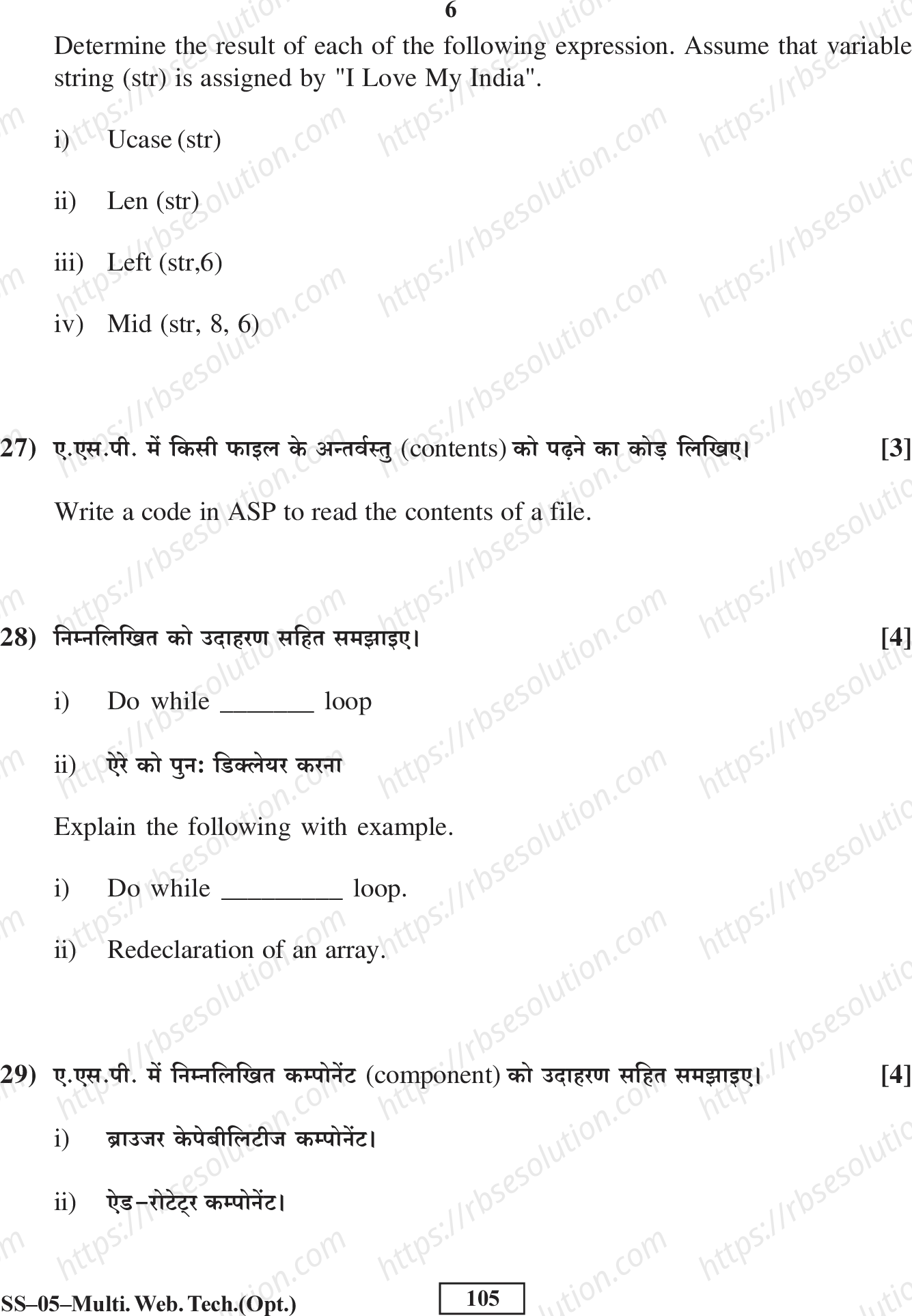
निम्नलिखित प्रत्येक अभिव्यक्तियों के परिणाम ज्ञात कीजिए। मान लीजिए कि वेरिएबल स्ट्रिंग (str) का नियोजित मान "I Love My India" है। [3]
i) Ucase (str)
ii) Len (str)
iii) Left (str,6)
iv) Mid (str, 8, 6)
उत्तर: माना str = "I Love My India"
- i) Ucase (str): सभी अक्षरों को अपरकेस में बदलता है। परिणाम: "I LOVE MY INDIA"
- ii) Len (str): स्ट्रिंग की लंबाई (स्पेस सहित) बताता है। "I Love My India" में 15 कैरेक्टर हैं (I, स्पेस, L, o, v, e, स्पेस, M, y, स्पेस, I, n, d, i, a)। परिणाम: 15
- iii) Left (str, 6): स्ट्रिंग के बाईं ओर से 6 कैरेक्टर लेता है। "I Love" (I, स्पेस, L, o, v, e)। परिणाम: "I Love"
- iv) Mid (str, 8, 6): स्ट्रिंग के 8वें कैरेक्टर से शुरू करके 6 कैरेक्टर लेता है। 8वाँ कैरेक्टर 'M' है (1:I, 2:स्पेस, 3:L, 4:o, 5:v, 6:e, 7:स्पेस, 8:M, 9:y, 10:स्पेस, 11:I, 12:n, 13:d, 14:i, 15:a)। तो 8 से 13 तक: M, y, स्पेस, I, n, d। परिणाम: "My Ind"
6. Determine the result of each of the following expressions. Assume that variable string (str) is assigned by "I Love My India".
-
Ucase (str)
Result: "I LOVE MY INDIA"
The Ucase function converts all characters in the string to uppercase.
-
Len (str)
Result: 15
The Len function returns the number of characters in the string, including spaces. "I Love My India" has 15 characters (I, space, L, o, v, e, space, M, y, space, I, n, d, i, a).
-
Left (str, 6)
Result: "I Love"
The Left function returns the first 6 characters from the left side of the string.
-
Mid (str, 8, 6)
Result: "My Ind"
The Mid function returns 6 characters starting from position 8. Counting from position 1: I(1), space(2), L(3), o(4), v(5), e(6), space(7), M(8), y(9), space(10), I(11), n(12), d(13), i(14), a(15). So from position 8, we get M, y, space, I, n, d = "My Ind".
27) ए.एस.पी. में किसी फाइल के contents को पढ़ने का कोड लिखिए। [3]
Write a code in ASP to read the contents of a file.
ASP Code to read file contents:
<%
Dim objFSO, objFile, filePath, fileContent

' Create FileSystemObject
Set objFSO = Server.CreateObject("Scripting.FileSystemObject")

' Specify the file path
filePath = Server.MapPath("sample.txt")

' Open the file for reading
Set objFile = objFSO.OpenTextFile(filePath, 1)  ' 1 = ForReading

' Read the entire file content
fileContent = objFile.ReadAll

' Display the content
Response.Write("File Contents: <br>")
Response.Write(fileContent)

' Close the file and clean up
objFile.Close
Set objFile = Nothing
Set objFSO = Nothing
%>
Explanation: This code uses the FileSystemObject (FSO) to open a text file, read all its contents using the ReadAll method, and display it on the webpage. The file is opened in read mode (1 = ForReading). Always close the file and set objects to Nothing to free resources.
28) निम्नलिखित को उदाहरण सहित समझाइए। [4]
Explain the following with example.
-
Do while loop
Do While Loop: यह एक लूप है जो तब तक चलता है जब तक दी गई शर्त (condition) सत्य (True) होती है। जैसे ही शर्त असत्य (False) हो जाती है, लूप समाप्त हो जाता है।
Syntax:
Do While condition
    ' Code to execute
Loop
उदाहरण (Example):
<%
Dim counter
counter = 1

Do While counter <= 5
    Response.Write("Counter value: " & counter & "<br>")
    counter = counter + 1
Loop
%>
Output:
Counter value: 1
Counter value: 2
Counter value: 3
Counter value: 4
Counter value: 5
इस उदाहरण में, लूप तब तक चलेगा जब तक counter की वैल्यू 5 से कम या बराबर है। प्रत्येक iteration में counter की वैल्यू प्रिंट होती है और फिर 1 बढ़ जाती है।
-
ऐरे की पुनः घोषणा (Redeclaration of an array)
Redeclaration of an Array: ASP में, एक बार घोषित किए गए array के आकार (size) को बदलने के लिए
ReDimका उपयोग किया जाता है। यह array को पुनः घोषित करने की अनुमति देता है।Preserveकीवर्ड का उपयोग करके मौजूदा डेटा को सुरक्षित रखा जा सकता है।Syntax:
ReDim [Preserve] arrayName(subscript)उदाहरण (Example):
<%
' Initial declaration
Dim arrFruits(2)
arrFruits(0) = "Apple"
arrFruits(1) = "Mango"
arrFruits(2) = "Banana"

' Redeclare array with larger size, preserving existing data
ReDim Preserve arrFruits(4)
arrFruits(3) = "Orange"
arrFruits(4) = "Grapes"

' Display all elements
For i = 0 To UBound(arrFruits)
    Response.Write("Fruit " & i & ": " & arrFruits(i) & "<br>")
Next
%>
Output:
Fruit 0: Apple
Fruit 1: Mango
Fruit 2: Banana
Fruit 3: Orange
Fruit 4: Grapes
इस उदाहरण में, पहले 3 तत्वों वाला array बनाया गया। फिर
ReDim Preserveका उपयोग करके array का आकार 5 कर दिया गया, जिससे पुराना डेटा (Apple, Mango, Banana) सुरक्षित रहा और नए तत्व जोड़े गए।
29) ए.एस.पी. में निम्नलिखित कम्पोनेंट (component) को उदाहरण सहित समझाइए। [4]
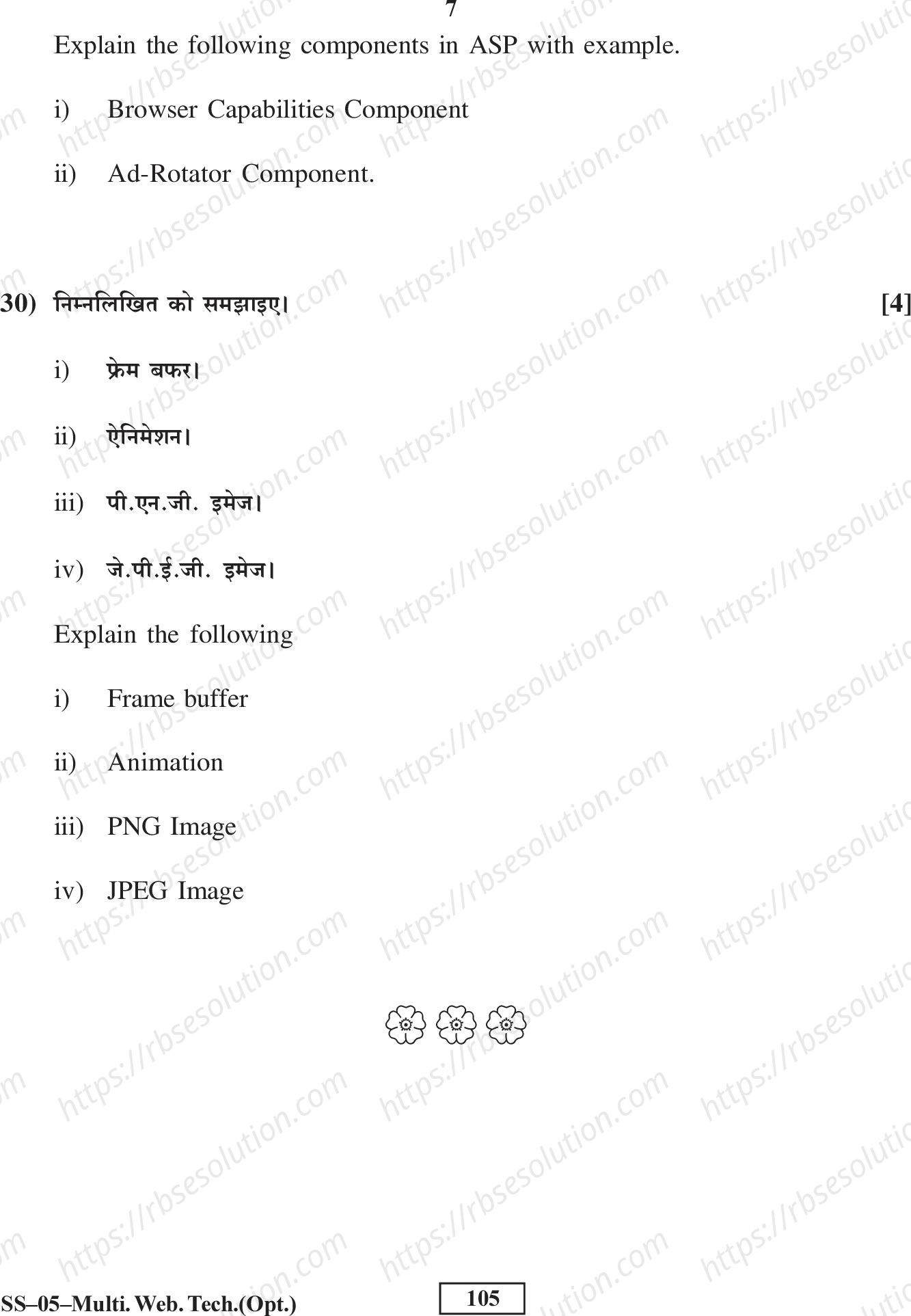
Explain the following components in ASP with example.
-
ब्राउज़र क्षमताएँ कम्पोनेंट (Browser Capabilities Component)
Browser Capabilities Component: यह कम्पोनेंट क्लाइंट ब्राउज़र की क्षमताओं (जैसे ब्राउज़र का नाम, वर्शन, कुकीज़ सपोर्ट, जावास्क्रिप्ट सपोर्ट आदि) का पता लगाने के लिए उपयोग किया जाता है। यह
BrowserTypeऑब्जेक्ट का उपयोग करता है।उदाहरण (Example):
<%
Dim objBrowser
Set objBrowser = Server.CreateObject("MSWC.BrowserType")

Response.Write("Browser Name: " & objBrowser.Browser & "<br>")
Response.Write("Browser Version: " & objBrowser.Version & "<br>")
Response.Write("Supports Cookies: " & objBrowser.Cookies & "<br>")
Response.Write("Supports JavaScript: " & objBrowser.JavaScript & "<br>")
Response.Write("Supports VBScript: " & objBrowser.VBScript & "<br>")

Set objBrowser = Nothing
%>
Possible Output:
Browser Name: IE
Browser Version: 11.0
Supports Cookies: True
Supports JavaScript: True
Supports VBScript: True
यह कम्पोनेंट ब्राउज़र की क्षमताओं के अनुसार वेब पेज को अनुकूलित (customize) करने में मदद करता है। उदाहरण के लिए, यदि ब्राउज़र कुकीज़ सपोर्ट नहीं करता, तो हम वैकल्पिक कोड प्रदर्शित कर सकते हैं।
-
ऐड-रोटेटर कम्पोनेंट (Ad Rotator Component)
Ad Rotator Component: यह कम्पोनेंट वेब पेज पर विज्ञापनों को घुमाने (rotate) के लिए उपयोग किया जाता है। यह एक रोटेशन स्कीड्यूल फ़ाइल (rotator schedule file) का उपयोग करता है जिसमें विज्ञापनों की जानकारी (इमेज URL, लिंक, इम्प्रेशन वेट आदि) होती है।
उदाहरण (Example):
Step 1: रोटेशन स्कीड्यूल फ़ाइल (adrot.txt) बनाएँ:
REDIRECT ad_redirect.asp
WIDTH 468
HEIGHT 60
BORDER 1
*
images/ad1.gif
http://www.example1.com
Check out Example 1!
20
*
images/ad2.gif
http://www.example2.com
Discover Example 2!
30
*
images/ad3.gif
http://www.example3.com
Visit Example 3!
50
Step 2: ASP पेज में Ad Rotator का उपयोग:
<%
Dim objAdRotator
Set objAdRotator = Server.CreateObject("MSWC.AdRotator")

' Get the HTML for the ad
Response.Write(objAdRotator.GetAdvertisement("adrot.txt"))

Set objAdRotator = Nothing
%>
यह कम्पोनेंट हर बार पेज लोड होने पर एक अलग विज्ञापन प्रदर्शित करता है, जो इम्प्रेशन वेट (impression weight) के अनुसार चुना जाता है।
REDIRECTफ़ाइल विज्ञापन पर क्लिक करने पर उपयोगकर्ता को संबंधित URL पर रीडायरेक्ट करती है।
Explain the following components in ASP with example.
- Browser Capabilities Component
- Ad-Rotator Component
30) निम्नलिखित को समझाइए। [4]
- फ्रेम बफर।
- ऐनिमेशन।
- पी.एन.जी. इमेज।
- जे.पी.ई.जी. इमेज।
Explain the following
- Frame buffer
- Animation
- PNG Image
- JPEG Image
Solution:
i) Browser Capabilities Component: This ASP component detects the capabilities of a user's web browser (e.g., type, version, JavaScript support, cookies, screen resolution). It uses a browscap.ini file to compare and return properties. Example: Set bc = Server.CreateObject("MSWC.BrowserType")
Response.Write("Browser: " & bc.Browser)
ii) Ad-Rotator Component: This ASP component rotates advertisements on a web page. It reads from a schedule file (usually adrot.txt) that contains image URLs, links, and display weights. Example: Set ad = Server.CreateObject("MSWC.AdRotator")
Response.Write(ad.GetAdvertisement("adrot.txt"))
iii) Frame Buffer: A frame buffer is a portion of computer memory (RAM) used to store pixel data for a digital image or video frame. It acts as a temporary storage area that the display controller reads to refresh the screen. It is essential for rendering graphics in real-time.
iv) Animation: Animation is the process of creating the illusion of motion by displaying a sequence of static images (frames) rapidly. Each frame differs slightly from the previous one, and when played at a sufficient frame rate (e.g., 24 fps), the human eye perceives continuous movement.
v) PNG Image: PNG (Portable Network Graphics) is a lossless image compression format. It supports transparency (alpha channel) and is widely used for web graphics, logos, and images requiring high quality without compression artifacts. It does not support animation (unlike GIF).
vi) JPEG Image: JPEG (Joint Photographic Experts Group) is a lossy image compression format. It reduces file size by discarding some image data, making it ideal for photographs and complex images where minor quality loss is acceptable. It does not support transparency.